
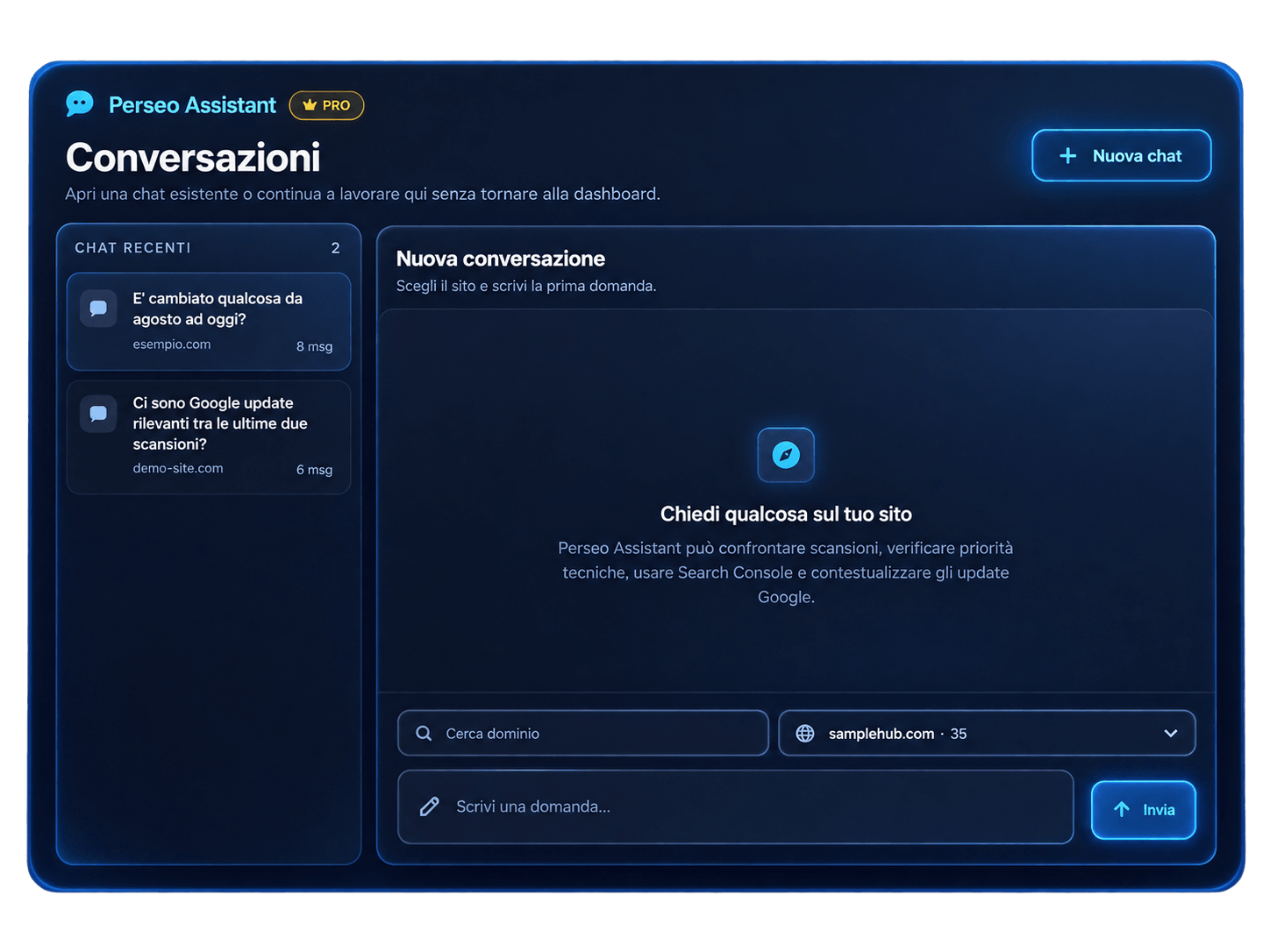
What you can ask
Choose a website and start with a specific question. Assistant retrieves the available context so you can explore the results without rebuilding it in every message.
- “What changed between the last two scans?”
- Compare results and changes in the available metrics, with references to the scans used.
- “Which technical issues should I fix first?”
- Review priorities based on site findings, distinguishing new, persistent and resolved issues when history is available.
- “What opportunities does Search Console show?”
- Use the history and opportunity signals stored in Insights. A connected property with available data is required.
- “Were there Google updates between the scans?”
- Place Google events in the analysis period. Timing alone does not show that an update caused a change.
Get started
Log in with a Pro account and run at least one website scan in Insights. Open Perseo Assistant, select the website and enter your question.
Comparing two analyses requires two scans. To discuss Search Console data, connect the property to your website and make its history available. Saved conversations remain accessible in the sidebar.
Access and credits
Perseo Assistant is included in the Pro plan. Your account includes monthly AI credits; usage depends on the request. Structured lookups for technical priorities and Google updates between scans do not consume AI credits.
See Pro pricing and plan limits
Data and limits
Answers use the scans and sources available for the selected website. References let you return to reports and check the context. Missing data or a missing previous scan also limits the comparison.
Assistant helps interpret results and assess possible changes. It does not modify your website or replace checking the reports.